
Menu Path: Sourcing Management >> Evaluation Results >> Actions – Create Award
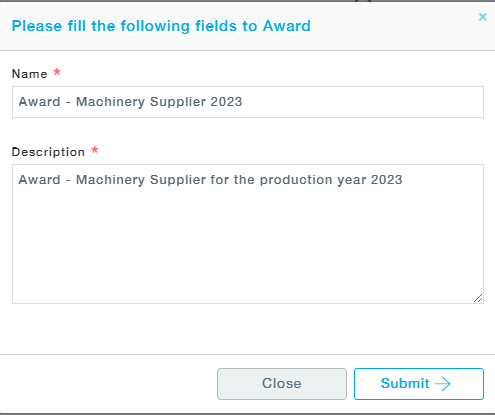
- As you click on the Create Award button, the following pop-up appears, asking you to fill in the Name and Description of the Award.
-
As you click on the Submit button, a screen appears with a temporary Award Number.
- Now you can move to the Award Packages sub menu to access the award package you just created
Note: Pursuit suppliers cannot be awarded. Pursuit suppliers need to be converted to an approved supplier and then awarded.