
Menu Path: Business Administration >> Supplier FAQs >> Create New
1. To draft a New FAQ, click on the Create New Button.
2. Choose the section from the list available, now draft a question and provide the Answer in the respective fields.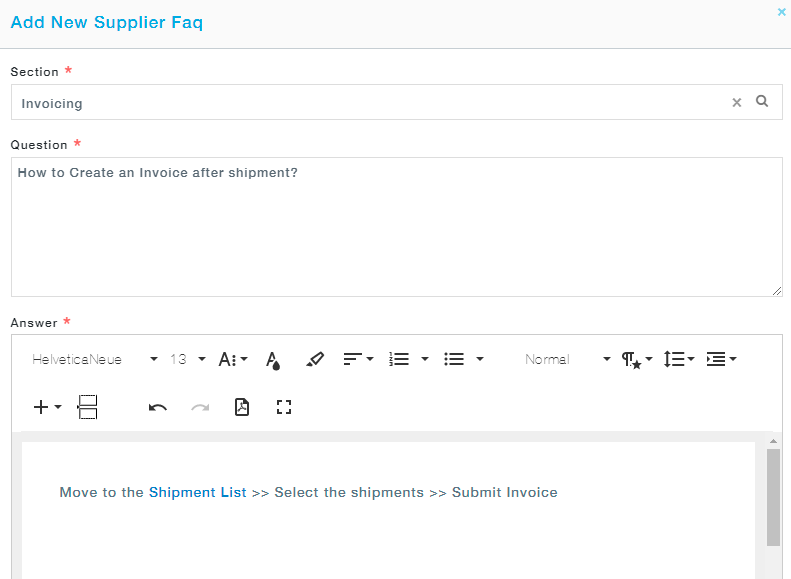 3. Click on the Save button to save the question and make it available in the Supplier Portal.