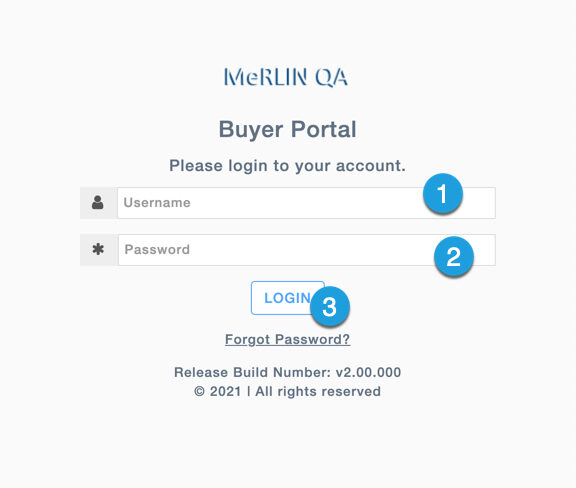
Every bonafide User needs to login into the Buyer portal to be able to access business functions and features. While attempting to access MeRLIN’s Buyer portal, every user is presented with a Login screen in which the User name and Passwords need to be provided to gain access.
NOTE: Depending on how MeRLIN is implemented and integrated with your Enterprise systems, it may be possible that you may not see a login screen and login credentials may come from other Enterprise systems.
MeRLIN presents a simple User Interface with provisions to provide User Name and Password.
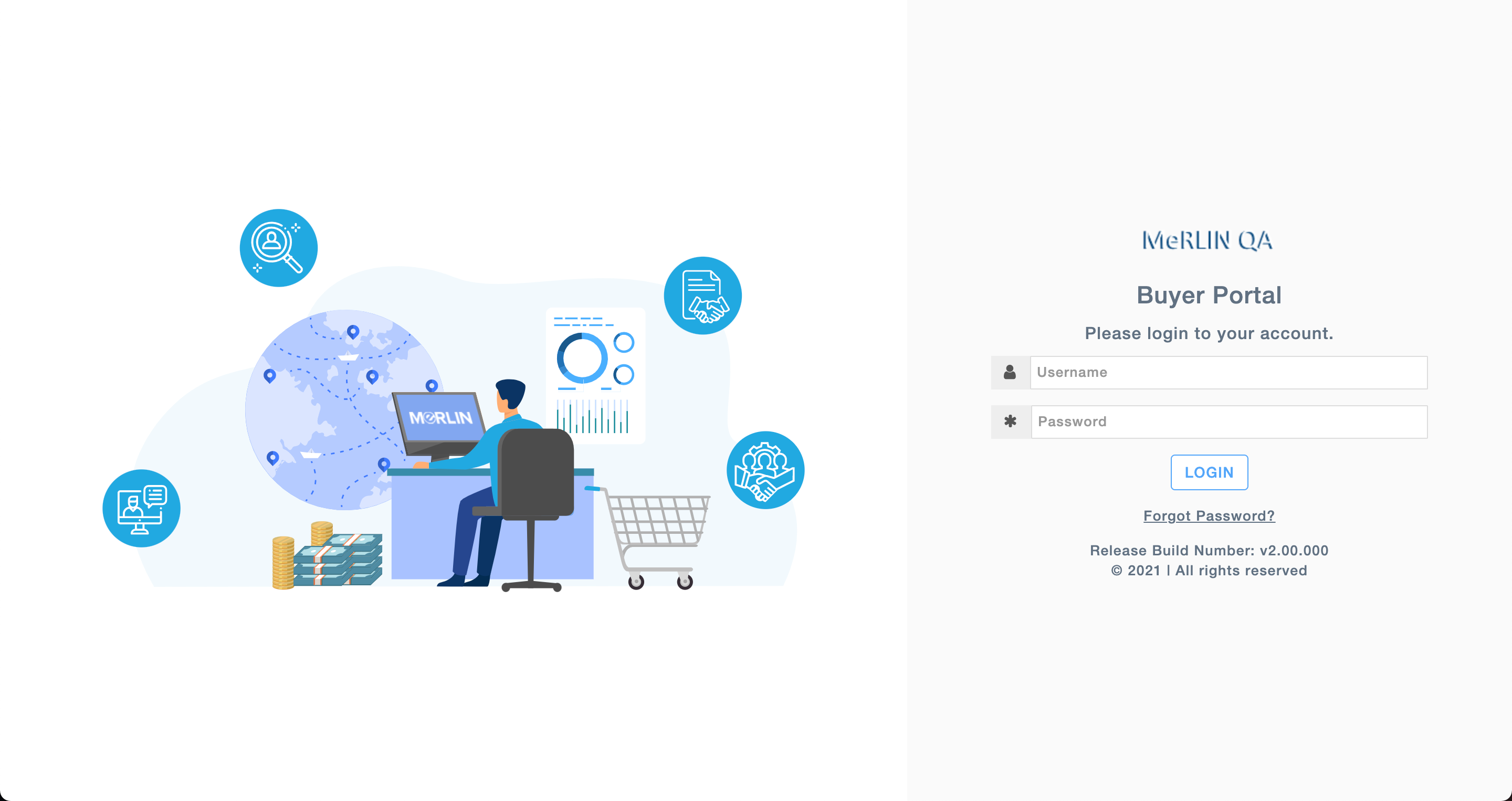
NOTE: Depending on your Enterprise setup, you may find the colors and the image on the left side different from what is shown here.
Step 1: Provide User name
Step 2: Provide Password
Step 3: Click on “Login” button